Playlist cover maker for iPhone
Make every playlist look like it sounds.
Create custom playlist covers with curated templates, artist photos, your own images, expressive fonts and polished visual effects.
Apple Music
Spotify
Standalone covers
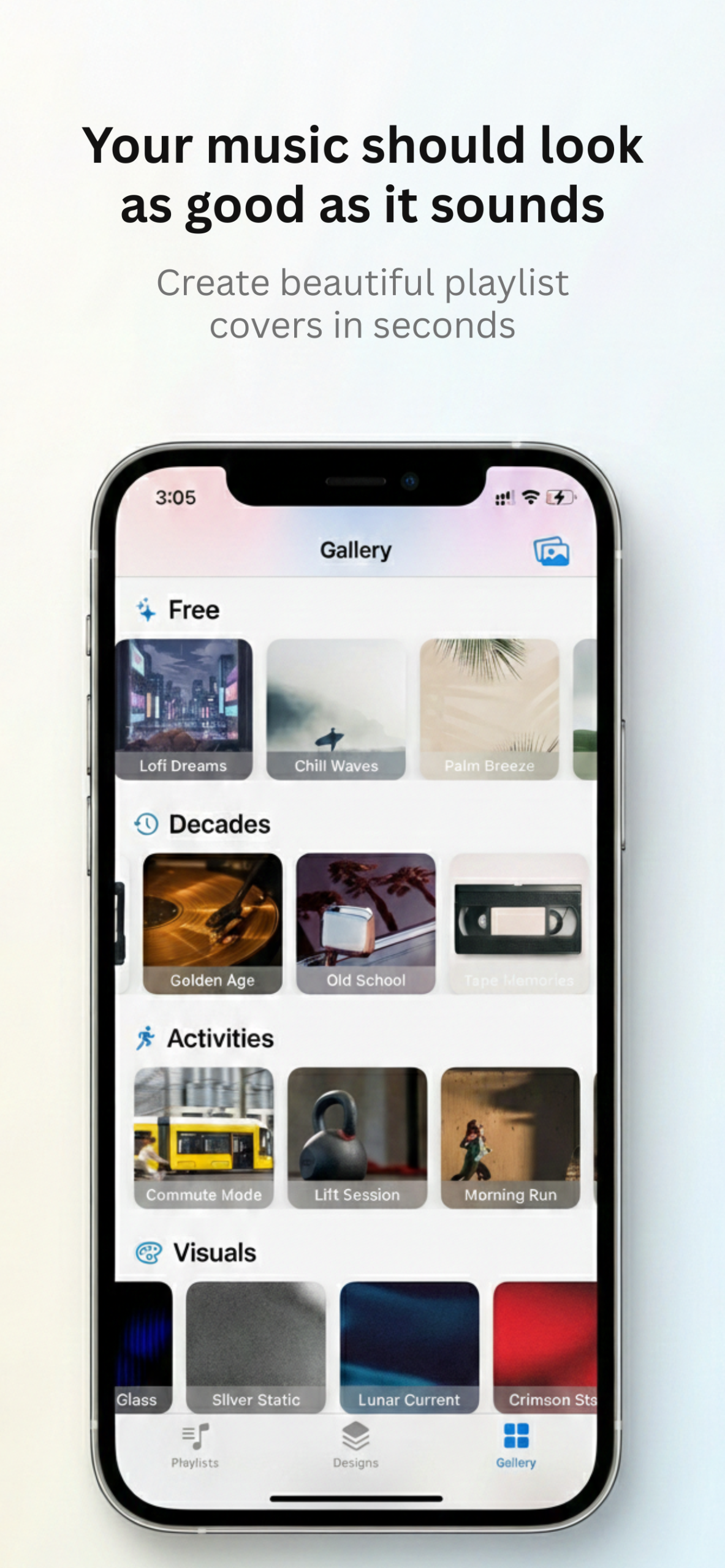
Your music. Your artwork.
Replace generic playlist artwork with something personal.
Playlist Jacket gives you a fast, focused design studio built specifically for square playlist covers. Start with a template, feature an artist, import a photo or create something completely original.
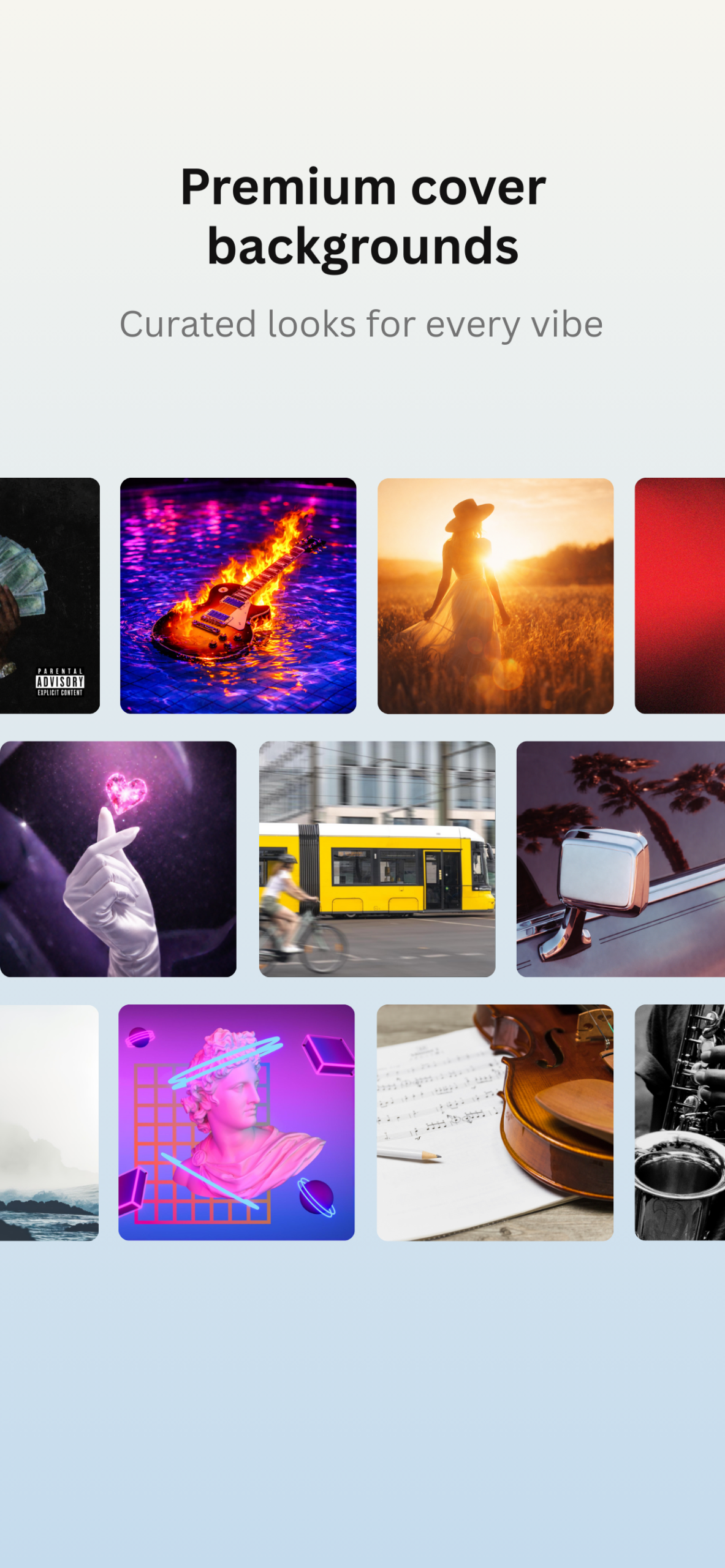
Curated gallery
Find a look for every kind of playlist.
Explore professionally designed covers organized by genre, color, decade, activity, visual style and more.
- Genre-inspired templates
- Minimal and typography-led designs
- Color, decade and activity collections
- Free and Premium artwork
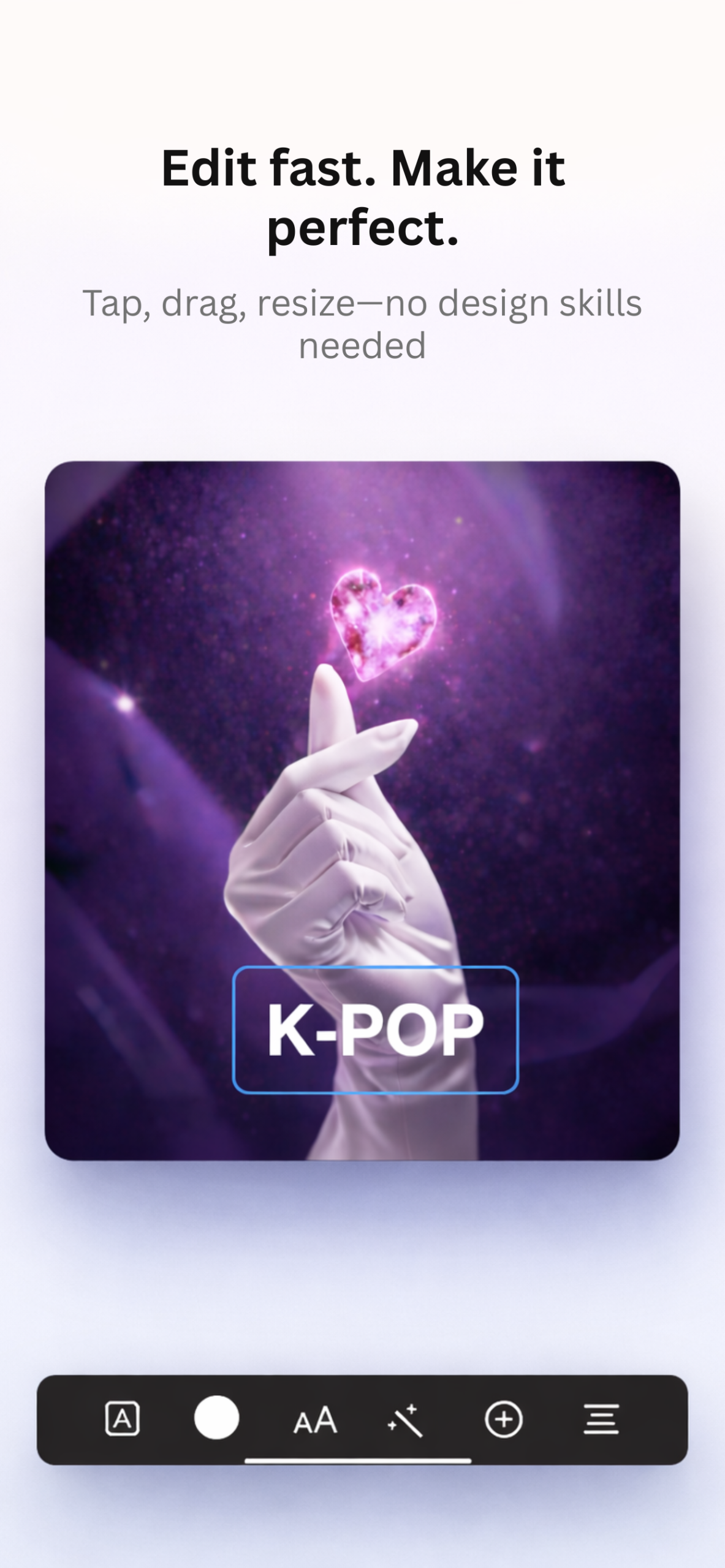
Simple visual editor
Edit quickly. Make it yours.
Tap directly on your cover to edit text, change fonts, adjust colors, resize elements, apply effects and fine-tune alignment.
- Curated font styles
- Custom colors and presets
- Text size and alignment controls
- Shadow, outline, neon, emboss and glow effects
Everything you need
Built for playlist artwork from the start.
Artist-inspired covers
Turn artist imagery from supported Apple Music playlists into polished cover layouts.
Use your own photos
Import an image from Photos and transform it into a square playlist cover.
High-resolution export
Export your finished artwork as a crisp 3000 × 3000 pixel image.
Expressive typography
Choose from modern, editorial, retro, minimal and decorative font styles.
Save and share
Save to Photos, open the iOS share sheet and follow simple platform instructions.
Private by design
Your projects and app data are stored on your device without a Playlist Jacket backend.
How it works
From playlist to finished cover in minutes.
01
Choose your starting point
Select an Apple Music playlist, create for Spotify or start with a standalone cover.
02
Pick a template
Browse the gallery, feature an artist or use an image from your photo library.
03
Customize and export
Personalize the design, save it to Photos and apply it to your playlist.
Frequently asked questions
Playlist Jacket FAQ
What is Playlist Jacket?
Playlist Jacket is an iPhone app for creating custom square cover artwork for Apple Music, Spotify and standalone playlists.
Does Playlist Jacket work with Apple Music?
Yes. You can connect Apple Music, browse playlists from your library and create custom artwork for them.
Can I create covers for Spotify?
Yes. Choose “Create for Spotify,” design your cover, save it to Photos and follow the included instructions to apply it in Spotify.
Can I use my own photos?
Yes. Import a photo from your iPhone and customize it with text, fonts, colors and visual effects.
What resolution are exported covers?
Playlist Jacket renders finished artwork at 3000 × 3000 pixels for a sharp, high-quality result.
Does Playlist Jacket require a backend account?
No Playlist Jacket account is required. Projects and app data are stored locally on your device.
Give your playlists a new look
Your next playlist cover is waiting.
Download Playlist Jacket and create artwork that fits the music you love.